Golf Simulators for Beginners UK — Starter Setups Reviewed for 2025
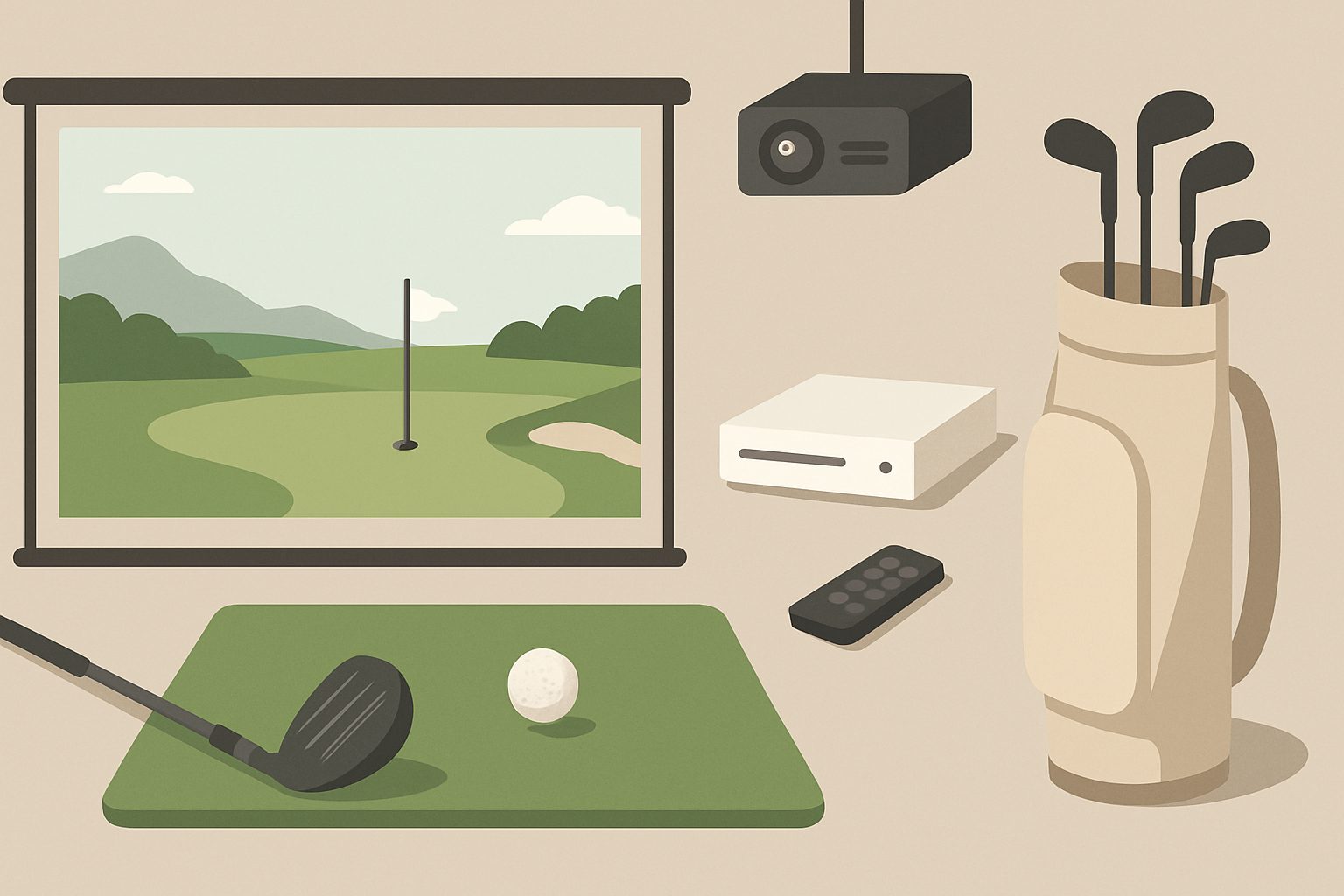
Setting up a golf simulator at home sounds daunting if you've never built one before. The choice of launch monitors, software platforms, and screen systems can feel overwhelming. But most beginner setups boil down to four core components: a launch monitor to measure your swing, software to run the simulation, something to hit into, and something to see the results on. Once you understand what each part does, the buying process becomes straightforward.
What Actually Is a Home Golf Simulator?
A golf simulator uses a launch monitor—a sensor placed behind or in front of the ball—to capture data about your swing: ball speed, launch angle, spin rate, and club path. That data feeds into software running on a PC or tablet, which then displays a virtual golf course and shows where your shot landed. You hit real golf balls (or foam balls) into a net or impact screen, and the software calculates the result based on your swing data, not where the ball physically goes.
The appeal for beginners is obvious: you can practise indoors year-round, get instant feedback on your swing mechanics, and play courses you'll never visit without leaving your garage. But it's not magic. The simulator is only as accurate as the launch monitor, and you'll still need decent technique for the data to mean anything.
The Four Core Components
Launch Monitor
This is where beginners get confused first. There are dozens of launch monitors on the market, ranging from £300 to £3,000+. For a beginner, you don't need the expensive stuff. Entry-level options like the Bushnell Launch Pro or SkyTrak Plus cost under £500 and give you the core metrics: ball speed, launch angle, and spin. More expensive monitors add club data and slower-motion analysis, which is nice but not essential when you're learning.
The key trade-off at budget prices is forgetting side spin initially. Some cheap monitors estimate it; others skip it. It matters less when you're starting out.
Simulation Software
The big platforms are E6 Connect, TGC Tour (The Golf Club), and Uneekor's software. All three are solid. E6 Connect is the industry standard and most forgiving with different launch monitors. TGC Tour has the most realistic physics and a better user interface for most people. Uneekor's is tightly integrated if you use their launch monitors.
Most beginner bundles include a year's subscription. After that, expect £100–200 annually. Don't overthink this choice—all three platforms will teach you something, and switching later is simple.
Impact Screen or Net
You need something to hit into. A basic impact screen (heavy canvas backing, projector screen fabric facing you) costs £200–500 and lets the projector sit behind it, showing the virtual course on the back of the screen itself. A net is cheaper (£100–300) but requires a separate display, usually a TV or projector mounted to the side.
Nets are fine for casual use. Screens look nicer and save space if you're mounting a projector behind them, but they're heavier and more fiddly to install.
Display
A TV or projector. Most beginners use a TV because it's simpler: just mount it, plug in an HDMI cable, and you're playing golf. You'll want at least 55 inches for decent immersion; 65 is better if space allows. Projectors are cheaper (entry-level £300–600) but require a dark room and more setup fuss.
Space Reality Check
Here's where lots of beginners get tripped up. A full swing indoors needs at least 1.8 metres from your stance to the impact screen, and ideally 2.5 metres. You'll also want ceiling height of at least 2.4 metres. If your ceiling is lower or you can't find 2.5 metres of clear space, consider a net-based setup instead of an impact screen, or be honest with yourself: you might need to hit balls at the range, not build a simulator.
Width matters too. You need roughly 2 metres side-to-side for a normal swing without hitting walls. Measure your space before spending money. It's the single biggest reason beginner setups end up unused.
Budget Paths for Beginners
Absolute Minimum (Around £800–1,200)
A used Skytrak or Bushnell Launch Pro (£250–400), free or cheap software like Uneekor's Swing software or even Drone Sports free tier, a basic hitting net (£150), and a TV you already own or buy used. This works. It's not glamorous, but you'll learn your swing data and get feedback.
Comfortable Setup (Around £2,000–3,000)
A new entry-level launch monitor (£400–600), annual software subscription (£150), a basic impact screen (£400–600), a projector (£400–600), and a hitting mat (£200–300). This is where most beginners should aim. It's enough to be genuinely useful and not so expensive you resent it after three months.
Don't Cheap Out On
The launch monitor. A bad one gives you nonsense data, which defeats the purpose. Spend at least £400. And the hitting surface—a thin mat will break or move. Budget £200 minimum for a decent mat.
Common Beginner Mistakes
Not measuring the space first. Not budgeting for the hitting mat (people forget this). Buying a cheap launch monitor and then blaming the simulator when the data makes no sense. Expecting the software to make them a better golfer instantly (it won't; practice still matters). Choosing a projector in a room that's not dark enough, then struggling to see the screen.
Next Steps
Once you understand these basics, you're ready to compare specific options. Most beginners benefit from reading about the cheapest launch monitors under £500, which will show you real trade-offs in that price band, and then looking at complete starter bundles available in the UK, which handle most of the assembly thinking for you.
Start with your space. That's your real constraint. Build around that, and everything else follows.
More options
- Garmin Approach R10 Golf Launch Monitor (Amazon UK)
- SkyTrak+ Golf Launch Monitor (Amazon UK)
- Golf Simulator Impact Net & Enclosure Kit (Amazon UK)
- Golf Simulator Hitting Mat (Amazon UK)
- Short-Throw Projector for Golf Simulator (Amazon UK)